Travel Mobile Hotspots: When They Beat Tethering?
If you travel with more than one device, mobile data can quickly become messy. Your phone needs internet. Your laptop needs internet. Maybe your tablet, smartwatch, camera, or travel partner’s phone needs it too. Buying separate mobile coverage for every device is rarely the smartest option.
That is where a mobile hotspot still makes sense.
Instead of managing several SIM cards, roaming add-ons, or eSIM plans across different devices, a portable WiFi hotspot gives you one mobile connection that can be shared across your gadgets. For business travelers, families, remote workers, road trippers, and anyone moving between countries, that can be simpler, cleaner, and often more predictable.
So, how do you choose and use a mobile hotspot properly?
Know what you actually need
Mobile internet is not the same as home broadband. It is usually more expensive per gigabyte, more dependent on signal quality, and more vulnerable to coverage gaps. But when you are abroad, internet access can feel essential. Maps, banking apps, hotel check-ins, ride-hailing, translation tools, emails, boarding passes, and messaging all depend on it.
Before buying a hotspot or mobile data plan, start with a few simple questions:
How many devices do you need to connect?
How much data do you realistically use?
Are you mostly browsing, working, streaming, or joining video calls?
Are you visiting one country or several?
Do you need the connection for a weekend, a month, or frequent trips during the year?
This matters because the cheapest-looking option is not always the best value. A small local SIM card may work well for one destination and one phone. But if you travel several times a year, move across borders, or need to connect multiple devices, constantly buying local SIMs can become annoying and inefficient.
Choose the right type of device
Mobile hotspots come in different forms, but the most useful travel option today is usually a pocket WiFi device. Older USB modems were once popular because they plugged directly into a laptop, but they are far less practical now. They usually serve one device, often require software, and do not help much if you also need internet on your phone or tablet.
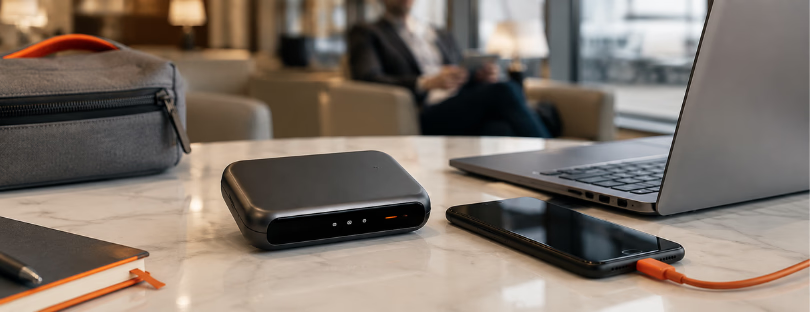
A portable WiFi hotspot is more flexible. You turn it on, connect your devices to its WiFi network, and use the mobile data plan linked to the device. Some hotspots support only a handful of connections, while better travel models can support several devices at once. That makes them useful for couples, families, small teams, or anyone carrying more than one gadget.
Coverage also matters. Some devices work in dozens of countries, while others support wider global use. The best option is not necessarily the one with the longest country list, but the one that gives you reliable coverage in the places you actually visit.
Also check whether the hotspot supports 4G or 5G, how easy it is to top up data, whether it is SIM-free or tied to one provider, and whether it can switch between networks when coverage changes.
Hotspot or phone tethering?
You may not need a separate device at all. Most modern smartphones can share their mobile data through hotspot mode, and for occasional use, that is perfectly fine.
Phone tethering is useful when you need to quickly connect a laptop, send a few emails, or help a travel partner get online. But it has limits. It drains your phone battery, can make your phone heat up, and may be restricted by your mobile plan. When abroad, tethering from your home roaming plan can also become expensive very quickly.
A dedicated mobile hotspot is better when you need a more stable setup. It keeps your phone free, usually offers better battery life for sharing data, and can support multiple devices more comfortably. For remote workers, business travelers, and families, that separation is often worth it.
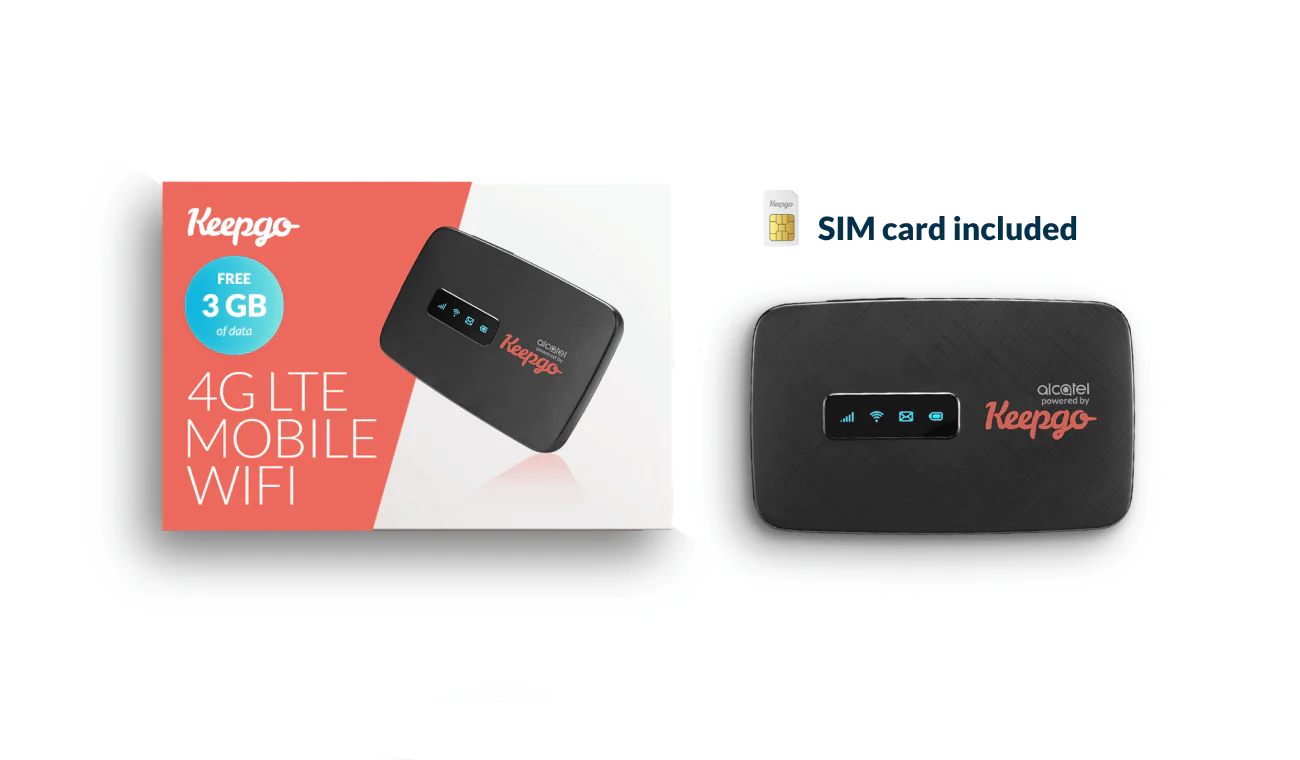
The majority of the “palm-sized” mobile hotspots can only provide a few WiFi connections simultaneously. The MiFi, for instance, only allows five connections, while the Keepgo WiFi hotspot can easily maintain up to 15 connections. The smallest and most lightweight WiFi hotspot delivers high-speed 4G Internet connections in 100+ countries without throttling down internet speed or filtering traffic.
There is also a BNESIM GO Pocket Router with 5GB of Global Data, a new generation of wireless hotspot devices that gives you a fast and secure WiFi connection. It works in over 150 countries and offers a range of affordable plans that fit everyone’s needs. It is: SIM-FREE; Light & Pocket Size; Includes 5 GB of Global Data for FREE; Power ON & Play; Easy & Flexible Top-up Options; High Speed 4G; Multi-Carrier Support; and connects up to 8 Devices.

Use your data wisely
Mobile data disappears faster than most people expect, especially when laptops are involved. A laptop connected to a hotspot can quietly use data for cloud syncing, software updates, email attachments, browser tabs, and background apps.
To make your data last longer, avoid unnecessary video streaming, disable automatic updates, pause cloud backups, and download offline maps before you travel. Video calls, high-resolution streaming, and large file uploads should be used carefully unless you have a generous or unlimited plan.
If the connection feels slow, the problem is not always the hotspot. It may be network congestion, weak signal, building interference, or the country’s local network conditions. Moving closer to a window, restarting the device, or switching location can sometimes help more than changing settings.
Do not ignore security
A personal mobile hotspot is usually safer than public WiFi in airports, cafés, hotels, and conference venues. Public WiFi can be convenient, but it is also shared by strangers and not always well protected.
With your own hotspot, you control the network name, password, and connected devices. That gives you a cleaner and more private connection.
Still, basic security matters. Use a strong WiFi password, avoid sharing it too freely, update the hotspot firmware when updates are available, and turn the device off when you are not using it. If you are handling sensitive work, banking, or client data while traveling, using a VPN can add another layer of protection.
Final thoughts
A mobile hotspot is not the right answer for every traveler. If you only need data on your phone for a short city break, a travel eSIM may be easier. If you are staying in one country for weeks, a local SIM or local eSIM might be cheaper. But if you regularly travel with multiple devices, share data with others, or need a more dependable setup for work, a portable hotspot can still be a smart travel tool.
The real question is not whether a hotspot is better than an eSIM or a local SIM. It is whether your trip needs one connection for one phone, or one connection that keeps your whole travel setup online.