The Smart Traveler’s Connectivity Checklist: 12 Steps Before Every Trip
Let’s be honest: the moment you land in a new country, the last thing you want to worry about is hunting for Wi-Fi passwords like a lost puppy or paying €12 just to text your hotel that you’ve arrived. In 2025, travel connectivity is half of the travel experience—and smart travelers know it.

So here’s your unofficial-official, very real, very practical Smart Traveler’s Connectivity Checklist. Think of it as what you check right after “passport… wallet… do I really need three jackets?”
Let’s dive in.
1. Confirm Your Destination’s Connectivity Situation
Every country plays by its own rules.
Some are eSIM heaven. Some still think 3G is a lifestyle. Some have fantastic airport SIM kiosks. Some… don’t.
Before you fly, Google two things:
- “ prepaid SIM options”
- “ eSIM coverage”
You’ll quickly see whether you can rely on a seamless eSIM activation or if you should prepare for local SIM buying chaos.
Bonus move: Check if your destination blocks VoIP services like WhatsApp calls (looking at you, parts of the Middle East). You don’t want surprises mid-trip.
2. Choose Your eSIM or SIM Strategy (before the airport pressure hits)
There are only two types of travelers:
- The ones who sit at the airport staring at the overpriced kiosk plans, or
- The ones who already activated a travel eSIM while eating breakfast at home.
Guess who pays less?
Smart travelers now do one of these:
Option A: Install an eSIM before departure
This is by far the easiest. No queues, no passport scans, no random kiosk upsells. You buy, scan, activate when you land.
Good for:
Quick trips, multi-country itineraries, “I don’t want to think about it” travelers.
Option B: Book a local physical SIM pick-up
Some airports let you reserve a SIM in advance and pick it up when you arrive. Still cheaper than walk-ups.
Good for:
Long stays, heavy data users, or destinations with amazing local-only plans.
Option C: Hybrid model
A small eSIM for the first 24 hours + a local SIM later.
Perfect when you want immediate internet at the airport but plan to switch to a cheaper plan in the city.
The golden rule:
Never leave connectivity decisions for when you’re tired, jetlagged, or standing in a customs line. That’s how €89 “Unlimited” plans happen. travel connectivity checklist

3. Check Your Device Compatibility (it matters more than you think)
Yes, most phones support eSIM now—but not all eSIMs work with all devices.
Double-check:
- Does your phone support eSIM?
- Does it support multiple eSIM profiles?
- Does your phone have regional locks (this still surprises people with US carriers)?
- Dual SIM? eSIM + SIM? eSIM-only?
iPhones are usually fine.
Samsung has quirks by region.
Chinese models often don’t allow eSIM at all.
Checking this takes 20 seconds and saves you from the airport meltdown of “Why won’t this QR code work??”
4. Update Your OS (and your apps)
You know how your phone waits until you’re about to leave home to remind you of a system update? That’s because updates always show up at the most inconvenient times.
Do it a day before.
Updating:
- Fixes eSIM bugs
- Improves roaming behavior
- Ensures your travel apps don’t crash mid-navigation
Just don’t update at the airport unless you enjoy stress.
5. Print or Screenshot All Your QR Codes & Plan Info
Smart travelers always screenshot:
- eSIM QR code
- Activation instructions
- Customer service contact
- APN settings
- Any local SIM voucher or pickup reservation
Because airport Wi-Fi is sometimes unstable, sometimes paywalled, and sometimes “registration-only in the local language.”
Having everything offline is your lifeline.
Bonus: Email the screenshots to yourself, too—future you will thank past you.

6. Set Your Roaming Settings Before the Plane Takes Off
Do. Not. Wait. Until. You. Land.
Right before boarding:
- Turn roaming off (unless you intentionally want roaming).
- If you installed an eSIM, set it as data only.
- Turn off auto-switch mobile data (some phones love switching back to your expensive home SIM).
This stops your home carrier from silently eating your wallet the second your plane touches the ground.
7. Make Your Offline Toolkit (the unsung hero)
Connectivity isn’t only about data—it’s also about everything that works when you don’t have data yet.
Always prepare:
- Google Maps offline
- Translation pack offline
- Airline boarding passes
- Hotel confirmation
- Train tickets
- Country’s emergency numbers
- Local taxi apps pre-installed
- Currency converter with offline mode
You don’t need to be online every second… You just need to avoid being lost + confused + offline at the same time.
8. Check Your Apps That Need Data Permission Abroad
Some apps behave weirdly when you switch SIMs or countries.
Before travel, open:
- Banking apps
- Two-factor authentication apps
- Mobile wallet (Apple/Google)
- Ride-hailing apps
- Email apps that trigger “new device detected” security
Make sure you’re logged in and verified.
Nothing ruins a first night abroad like not being able to access your bank because it wants to send you an SMS to the SIM card that’s no longer in your phone.

9. Know Your Backup Data Sources
Even smart travelers sometimes run out of data or need alternatives.
Have backups:
- Airport free Wi-Fi (but expect slow speeds)
- Hotel lobby Wi-Fi
- Cafes you trust
- Offline maps saved
- A second eSIM provider as a backup option (smart travelers keep one “emergency eSIM” in their phone)
It’s like having a spare battery pack—but for your connectivity.
10. Understand Your Data Usage (the silent killer of plans)
Most travelers underestimate how much data they burn.
Here’s what really eats data:
- TikTok / Reels = ~700MB per hour
- Google Maps with navigation = ~70–100MB per hour
- Video calls = 0.5–1GB per hour
- Automatic cloud photo backup = “Your plan is gone instantly.”
Before traveling:
- Turn on Low Data Mode
- Disable auto-backup
- Set streaming to SD only
- Pre-download movies and playlists
Your data plan will suddenly feel twice as big.
11. Bring a SIM Ejector Tool (or just a paperclip)
Physical SIM swapping still happens.
Your bag will have many things. A SIM ejector is rarely one of them.
Smart travelers slide one into their passport holder.
Or tape one inside your phone case.
You’ll feel like a genius at the airport.
12. Consider a Travel Router (for groups or laptops)
If you’re working remotely or traveling with family, a tiny travel router or mobile hotspot is a game-changer.
Benefits:
- One SIM/eSIM powers multiple devices
- Secure private Wi-Fi in hotels
- Perfect for laptops and tablets
Not essential for everyone—but fantastic for digital nomads or business trips.
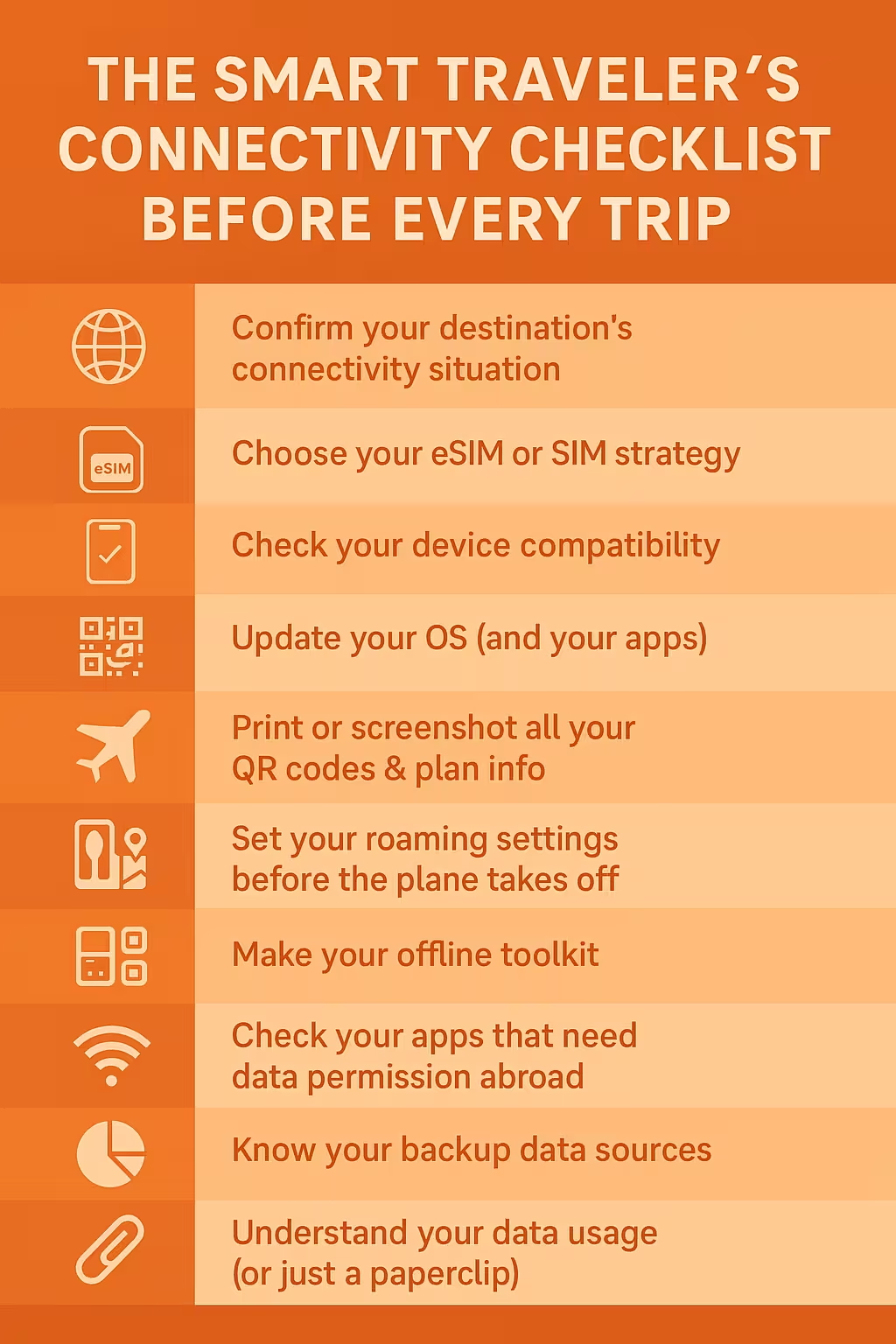
The Bottom Line about the travel connectivity checklist
Smart travelers don’t rely on luck when it comes to connectivity. They prepare once, properly, and then travel stress-free.
Your phone is your map, your safety net, your translator, your ticket holder, your camera, your everything.
So giving it reliable connectivity isn’t “just a tech detail”—it’s part of trip planning.
Follow this checklist and you’ll land ready, connected, and way ahead of the chaos.