Proximus Eases Belgium’s eSIM Shift with Quick Transfer and Self-Service Activation
As Belgium welcomes its first smartphone without a physical SIM card, Proximus is paving the way for the eSIM era with two new features designed to make the transition seamless for customers.

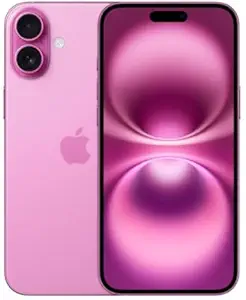
Mobile connectivity continues to evolve rapidly with advances like 5G, and smartphones themselves are becoming more powerful and innovative. That progress now extends to SIM cards, as eSIM technology gains traction worldwide. Today, around 80% of devices sold by Proximus already support eSIM, and the newly announced iPhone Air marks a milestone as the first “eSIM-only” smartphone available in the Belgian market.
Proximus is convinced that eSIM is the future. Beyond giving users the flexibility to manage multiple numbers and profiles digitally and securely, the technology is also a smarter, more sustainable choice—reducing plastic waste and cutting down on transport and logistics. That’s why Proximus is committed to guiding both customers and the Belgian market through this transition, establishing eSIM as the new standard.
New customers are already making the switch to eSIM with ease; over six in ten activations are for new mobile numbers. Existing customers typically switch when they purchase a new smartphone. In this regard, the rise of “eSIM only” devices is expected to further boost interest.
To ensure this transition goes as smoothly as possible, Proximus is introducing two key innovations:
Quick Transfer: from one phone to another
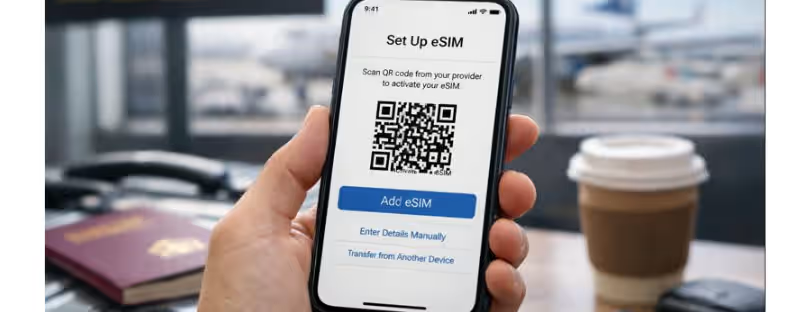
Transferring a number (whether on a physical SIM card or an eSIM) to a new device can now be done in just a few clicks. Proximus offers this new feature on different brands: it is currently available on iPhones with the September iOS 26 update and Google Pixels 9 and 10, and will be on almost all Samsung devices by the end of the year. Currently, this feature is only available for transfers between devices with the same operating system.
| Quick Transfer on Android | Quick Transfer on iOS |
|---|---|
| Two ways to transfer: during the setup of your new Android phone, or afterwards via the settings. | Two ways to transfer: during the setup of your new iPhone, or afterwards via the settings. |
| What you need: • Old device with Android 10+ (fully charged, updated) • New device must support eSIM (Pixel 10 or newer) • Both devices near each other, Bluetooth on, connected to Wi-Fi or mobile data |
What you need: • Old iPhone with iOS 26+ (updated) • Both iPhones near each other, Bluetooth on, connected to Wi-Fi or mobile data • Old iPhone unlocked with access code enabled |
| Transfer during setup: 1. Start setting up new phone → Connect to mobile network 2. Tap Transfer SIM from another device 3. Confirm transfer prompt 4. Follow on-screen instructions |
Transfer during setup: 1. Start setting up new iPhone 2. At Set up eSIM, tap Transfer from another iPhone 3. Pop-up appears on old iPhone → tap Transfer number 4. Confirm on old iPhone and follow on-screen instructions |
| Transfer after setup: 1. Go to Settings → Network & internet / Connections → SIM manager / Add eSIM 2. Select Transfer from another device 3. Confirm transfer prompt 4. Follow on-screen instructions |
Transfer after setup: 1. Go to Settings on new iPhone 2. Tap Set up cellular or Add eSIM 3. Choose Transfer from nearby iPhone 4. Confirm transfer on old iPhone and follow instructions |
| Note: If converting a physical SIM, it will be deactivated once the eSIM is active on your new device. You can safely remove it. | Note: If converting a physical SIM, it will be deactivated once the eSIM is active on your new device. You can safely remove it. |
Self-service eSIM activation in the Proximus+ app
Until recently, customers who wished to transfer an existing SIM card or eSIM to another device needed to drop by a Proximus Shop. From now on, this process can also be done completely digitally, with secure identification using itsme, allowing customers to make the switch completely autonomously and at their own pace. Moreover, this switch can also be done for devices with different operating systems.